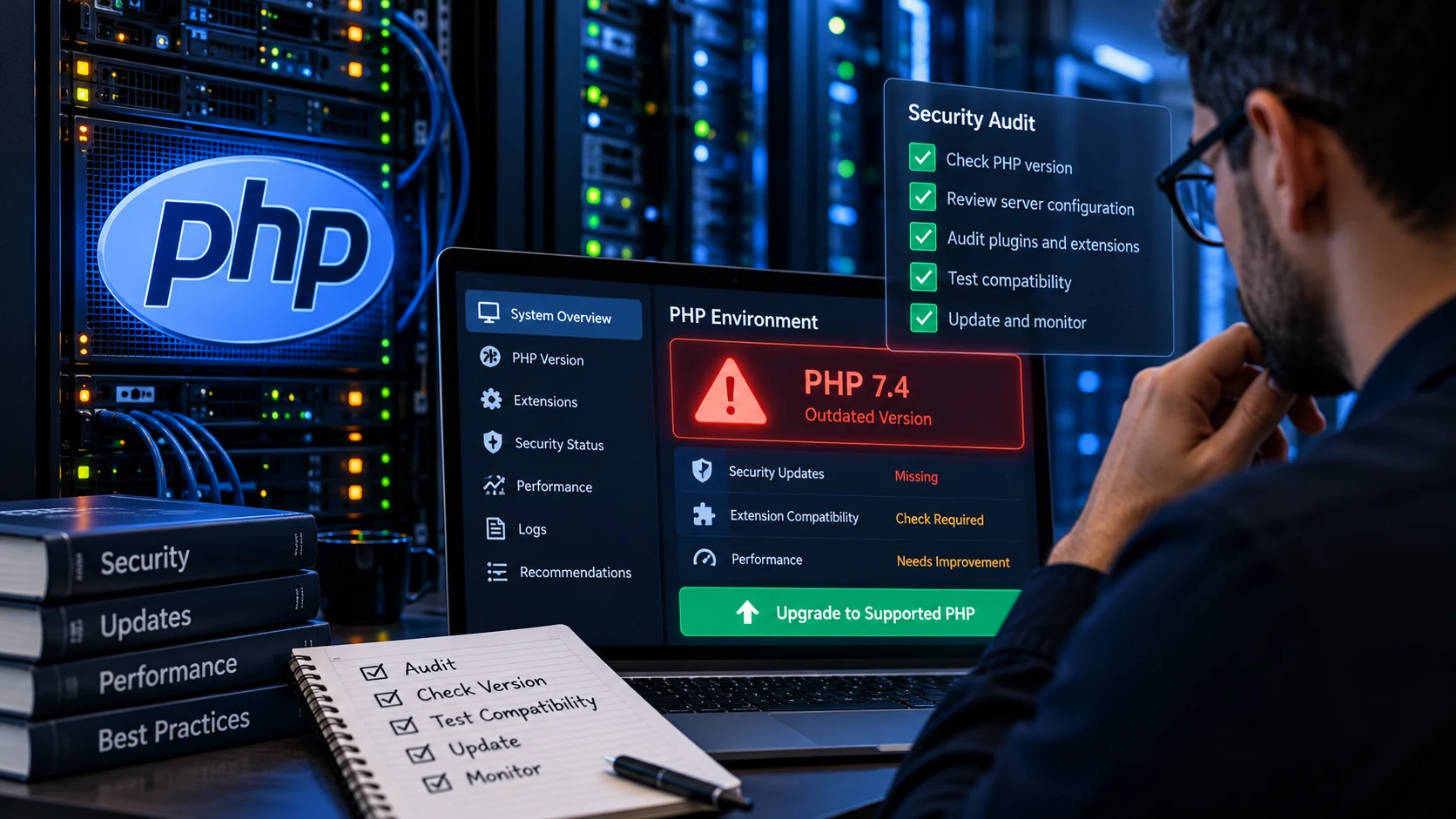
A company website can load normally, receive inquiries and show no obvious errors while still running an outdated PHP version underneath.
That is what makes legacy PHP environments dangerous.
The warning signs are often invisible until something happens: a serious vulnerability appears, a plugin stops supporting the installed PHP version, a hosting provider forces an upgrade, or an application suddenly breaks because years of technical debt have accumulated.
A proper PHP security audit is therefore not simply checking whether the homepage loads.
It means finding out exactly which PHP version production uses, whether that release still receives security fixes, what applications depend on it, whether an upgrade will break anything and whether there are other weaknesses around the server or application.
This became especially important after the critical PHP security releases disclosed in October 2026. PHP itself stated that updating affected installations was the safe course of action because there was no complete mitigation for the newly disclosed vulnerabilities.
For companies responsible for public-facing websites, customer portals, WordPress installations or custom applications, waiting until an emergency occurs is a poor maintenance strategy.
First Check Whether Your PHP Version Is Still Supported
The first question in a PHP audit should be simple:
Which PHP version is the production website actually running?
According to PHP's official supported versions page, PHP release branches receive active support and then a period of security-only support before reaching end of life.
At the time of writing, PHP 8.2 remains under security support only until December 31, 2026. PHP 8.3, 8.4 and 8.5 have later support deadlines.
Once a PHP branch reaches end of life, PHP no longer provides normal upstream security support for that release.
That matters because an unsupported runtime can continue working perfectly while becoming increasingly difficult to defend.
A business should therefore never use “the website still works” as evidence that its PHP version is safe.
WordPress Businesses Should Check Their PHP Version Too
WordPress may hide the PHP layer from many site owners because most day-to-day work happens inside the WordPress dashboard.
But WordPress still runs on PHP.
The official WordPress requirements currently recommend PHP 8.3 or greater and explicitly warn that older legacy PHP versions have reached end of life and may expose websites to security vulnerabilities.
That means a company can have:
A fully updated WordPress core installation.
Updated plugins.
An updated theme.
HTTPS.
A security plugin.
And still be running an outdated PHP environment underneath all of it.
Updating WordPress is important, but it is not the same thing as maintaining the server runtime.
Do Not Trust the PHP Version Shown in Only One Place
One mistake I see businesses make is checking PHP in one interface and assuming that is the entire environment.
Modern hosting setups can contain multiple PHP versions.
The command:
php -vmay show the PHP command-line version.
That does not always prove the web server is using the same runtime.
A website could be running through PHP-FPM while command-line tasks use a different installation. Hosting control panels may also allow PHP versions to be selected individually for different domains.
A proper audit should verify the runtime serving the actual production application.
This is especially important when several websites live on the same server.
Identify Everything That Depends on PHP Before Upgrading
Changing PHP versions on a simple five-page website may be straightforward.
Changing PHP on a ten-year-old business application is not.
Before upgrading, identify what depends on the runtime.
That may include:
WordPress plugins.
Themes.
WooCommerce extensions.
Drupal modules.
Magento extensions.
Composer packages.
Laravel or Symfony applications.
Custom PHP code.
Payment gateways.
CRM integrations.
APIs.
Scheduled jobs.
Email systems.
Third-party libraries.
Internal dashboards.
Old database connectors.
The more legacy code involved, the more valuable a staging test becomes.
This is why I do not recommend blindly changing PHP on an important production environment and hoping everything continues working.
Check for Legacy Code That Newer PHP Versions Reject
PHP has changed significantly across major versions.
Old code can rely on functions or behavior that no longer exists.
An application written years ago may therefore produce warnings, errors or complete failures after an upgrade.
Typical problems can include deprecated functions, stricter type handling, incompatible third-party libraries and old plugins that have not been maintained.
This does not mean the company should remain on an unsupported PHP version forever.
It means the migration should be planned.
A good PHP upgrade process usually involves:
Creating a backup or server snapshot.
Reproducing the application in staging.
Updating PHP in staging first.
Reviewing error logs.
Testing important application functions.
Fixing compatibility problems.
Updating outdated dependencies.
Deploying the change to production.
Verifying production after deployment.
That process reduces risk without treating an outdated runtime as permanent infrastructure.
Check Whether the Server Is Publicly Exposed
Risk increases when a vulnerable service is reachable from the public internet.
A business website usually needs to be public, but that does not mean every server service or administrative interface needs to be exposed.
During a security review, I would want to understand:
Which ports are public.
Which services are listening externally.
Whether administrative panels are restricted.
Whether SSH access is properly controlled.
Whether unused services are enabled.
Whether old development environments remain online.
Whether staging sites are accidentally public.
A company may correctly update PHP while leaving other avoidable security problems around the same infrastructure.
The PHP version should therefore be treated as one part of the wider environment.
Review PHP Configuration Instead of Only the Version Number
Running a supported PHP release is important, but version numbers alone do not determine security.
Configuration matters too.
Depending on the application, an audit can include checking settings related to error display, file uploads, resource limits, session handling, exposed development information and unnecessary extensions.
Production websites should generally avoid showing detailed PHP errors directly to visitors.
An error message that reveals filesystem paths, library information or internal configuration can provide useful information to an attacker.
Errors should instead be logged appropriately so developers can diagnose problems without exposing unnecessary technical details publicly.
Look at the Hosting Environment
Not every PHP problem originates in application code.
Sometimes the larger issue is poor hosting maintenance.
Questions worth asking include:
When was the operating system last updated?
Is the web server supported?
Are PHP packages being maintained?
Are backups actually working?
Can the website be restored quickly?
Who controls administrator credentials?
Are old administrator accounts still active?
Are staging copies protected?
Is there monitoring for downtime?
Are logs retained long enough to investigate an incident?
For organizations that have changed developers, agencies or employees over the years, access control deserves special attention.
Old accounts can remain forgotten long after someone has stopped working with the company.
Backups Must Be Tested, Not Assumed
A backup that has never been restored is not fully proven.
Before making infrastructure changes, businesses should know where their backups are stored and whether they contain everything required to restore the system.
For a WordPress website, that often means both:
Website files.
Database content.
For a custom application, the recovery process can also involve environment variables, uploaded assets, server configuration, database credentials and third-party integration settings.
My own Monthly Website Care package includes software and security updates, backups, uptime review and ongoing technical maintenance for businesses that do not want these tasks ignored between emergencies.
That is the kind of routine maintenance that helps prevent a security announcement from turning into a rushed production change.
Performance Problems Can Also Point to PHP Issues
Security is not the only reason to review an old PHP environment.
The server may also be hurting website performance.
Dynamic websites often need PHP to execute application logic, query the database, load plugins and generate HTML before the visitor receives a page.
If the backend is slow, optimizing images alone will not solve the entire performance problem.
I discuss that relationship in more detail in my guide to improving Core Web Vitals in WordPress.
An audit can therefore uncover security, compatibility and performance issues at the same time.
Check WordPress Plugins and Themes Before a PHP Upgrade
A PHP update can reveal problems that remained hidden for years.
On WordPress sites, plugins and themes deserve careful attention.
Check whether:
The plugin is still maintained.
Recent versions support the target PHP release.
The theme is current.
Custom code uses deprecated PHP functions.
WooCommerce extensions remain compatible.
The website uses abandoned plugins.
Critical features have been tested.
If an old plugin has not been updated in several years, the answer is not necessarily to hold the entire server on an obsolete PHP release.
Sometimes the better solution is replacing the plugin or correcting the custom code.
E-Commerce Websites Need More Testing
An online store should never be considered successfully upgraded just because the homepage loads.
Test the complete customer journey.
That includes:
Product pages.
Search and filtering.
Shopping cart.
Checkout.
Payment processing.
Customer accounts.
Order emails.
Tax calculations.
Shipping rules.
Discount codes.
Admin order management.
Third-party integrations.
One broken checkout step can cost a business far more than the technical work required to test the migration correctly.
Custom PHP Applications Need a Different Approach
Custom systems often require deeper work than WordPress.
The application may contain old Composer dependencies, framework versions or internal libraries that were written for older PHP releases.
In that situation, the correct question is not simply:
“Can we change PHP from 7.4 to 8.4?”
The real question is:
“What needs to change so this application can safely run on a currently supported environment?”
That can involve dependency upgrades, code corrections, database testing and regression testing.
For business-critical software, the migration may need to happen in stages.
Check Logs for Signs of Existing Problems
An audit should also review what the server has already been telling you.
Useful logs can include:
Web-server access logs.
Web-server error logs.
PHP errors.
Application logs.
Authentication logs.
Cloud audit logs.
Firewall events.
Unexpected errors can reveal compatibility problems, bot traffic, repeated attacks or broken functionality that nobody has noticed yet.
Logs become particularly important after a major vulnerability disclosure.
Updating closes a known weakness going forward, but it does not automatically prove nothing happened before the patch.
PHP 8.2 Has Another Deadline Businesses Should Know
Even organizations that patched the October 2026 PHP vulnerabilities should keep planning ahead.
The official PHP project currently lists December 31, 2026 as the end of security support for PHP 8.2.
You can verify the lifecycle directly on PHP's supported versions page.
That means businesses running PHP 8.2 should not treat the latest patch as the end of their upgrade planning.
A migration to a newer supported branch should already be on the roadmap.
This is exactly why technical maintenance should be continuous rather than reactive.
How I Would Handle a PHP Security Audit for a Company
If a company contacted me because it was unsure whether its PHP environment was safe, I would not begin by randomly installing updates.
I would first establish what is actually running.
That means identifying the production PHP version, application type, hosting setup, web-server configuration and important dependencies.
Next, I would determine whether the runtime is supported and whether the application is ready for an upgrade.
For WordPress, I would review important plugins, themes and custom functionality.
For custom PHP software, I would inspect framework and dependency compatibility.
I would then create or use a staging environment where appropriate, perform the update, resolve compatibility problems and test the site's important workflows before production deployment.
After deployment, I would verify the live runtime, review errors and confirm that critical functionality is still working.
The goal is not simply to change a version number.
The goal is to leave the business with a safer, maintainable and functioning system.
Warning Signs That Your Company Should Request a PHP Review
You should seriously consider a review if nobody in your organization can answer what PHP version your production website uses.
The same applies when:
Your site runs PHP 7.x.
Your site runs PHP 8.0 or 8.1.
Your PHP 8.2 migration plan does not exist.
Your WordPress dashboard regularly shows PHP compatibility warnings.
Your hosting company keeps asking you to upgrade.
You are afraid to update PHP because the website may break.
Your application uses old custom PHP code.
Your previous developer no longer manages the website.
Important plugins have been abandoned.
Your company has several PHP websites but no inventory of their versions.
Your server has not been reviewed for years.
Those are not necessarily signs that the site has already been compromised.
They are signs that technical risk has accumulated.
Why Waiting Usually Makes the Upgrade Harder
Technical debt rarely disappears by itself.
A PHP application that is one version behind may require a manageable upgrade.
Leave it untouched for five years, and the same system may eventually require changes across PHP, the framework, database, plugins and hosting environment at the same time.
That makes the migration larger, more expensive and more stressful.
Regular maintenance spreads the work over time.
It also gives the company more control over when changes happen.
Security deadlines are much easier to manage when the system has been kept reasonably current.
Do You Need Someone to Audit and Upgrade Your PHP Website?
If your company runs WordPress, WooCommerce, Drupal, Laravel, Magento, a custom PHP application or another PHP-based system, and you are unsure whether the environment is outdated, I can review it with you.
I work directly with companies on web development, PHP, WordPress, website maintenance, performance and technical troubleshooting.
I can help with:
PHP version audits.
Legacy PHP upgrades.
WordPress PHP compatibility checks.
Plugin and theme compatibility problems.
Staging and production migrations.
Website testing after PHP upgrades.
Server-side troubleshooting.
Website maintenance.
Performance problems related to PHP or hosting.
Security-related technical cleanup.
You can view my broader web development and technical services, review my website maintenance packages, or send the details of your system through my project contact page.
If you do not know which PHP version your business website is running, tell me the website address and hosting setup you have access to.
I can help identify the current environment, explain what needs attention and handle the technical upgrade work rather than leaving your company to discover the problem during the next security emergency.