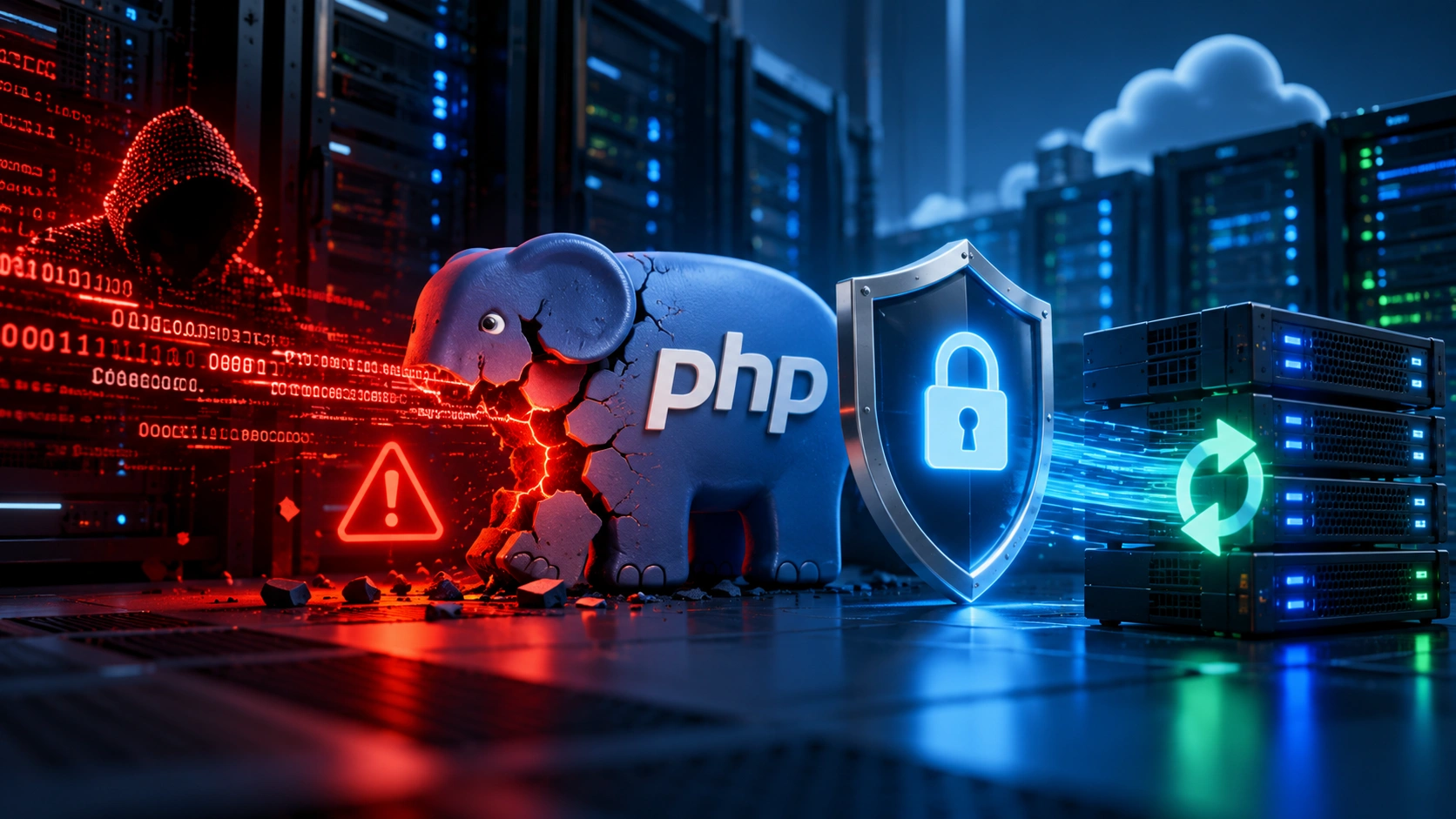
Two critical PHP vulnerabilities disclosed on October 21, 2026 have created an urgent security problem for organizations running PHP-based websites and web applications.
The vulnerabilities, tracked as CVE-2026-109618 and CVE-2026-109619, affect the PHP runtime itself and can potentially allow an unauthenticated attacker to execute code remotely on a vulnerable server.
Both vulnerabilities have been rated 9.2 Critical under CVSS 4.0.
This is important because the problem is not limited to one WordPress plugin, Drupal module or vulnerable website theme. The weakness exists inside PHP itself.
That means a company may have a well-maintained WordPress website, custom PHP application, Drupal installation or other PHP-powered system and still need to check the underlying PHP environment.
The official PHP project has released patched versions and is urging users to update immediately.
For businesses, agencies, government organizations and IT departments, this should be treated as a server-level security issue rather than an ordinary website update.
What Happened With PHP2Shell?
Security researchers discovered serious memory-safety problems in PHP that can leave PHP's internal state corrupted after particular errors occur.
The vulnerabilities have become widely known as PHP2Shell.
The two primary vulnerabilities are:
CVE-2026-109618
This vulnerability involves PHP's handling of out-of-memory conditions and internal request data. Under vulnerable conditions, corrupted memory can potentially be used to achieve remote code execution.
CVE-2026-109619
This vulnerability involves internal PHP state remaining available after the memory supporting it has already been released. Attackers may be able to manipulate this condition and eventually execute arbitrary code.
You do not need to understand PHP memory management to understand the business risk.
Remote code execution means an attacker may potentially be able to make a vulnerable server execute instructions chosen by the attacker.
That is one of the more serious categories of web-server vulnerabilities.
Which PHP Versions Are Vulnerable?
Current security guidance indicates that PHP versions from PHP 5.4 through PHP 8.5.11 should be considered affected.
The patched releases are:
PHP 8.5.12
PHP 8.4.27
PHP 8.3.36
PHP 8.2.35
Organizations already running one of the supported PHP branches should upgrade to the patched release for that branch.
A much bigger problem exists for organizations still using outdated PHP versions.
PHP 8.1 and older branches have reached end of life and are not receiving these normal upstream security fixes.
That means an organization still running PHP 7.4, PHP 8.0, PHP 8.1 or an even older version should not simply look for a small patch and continue operating indefinitely.
The environment needs an upgrade plan.
Who Should Be Checking Their Servers?
The PHP project says installations handling web requests can be affected.
That includes environments using technologies such as:
PHP-FPM
Apache with mod_php
php-cgi
FrankenPHP
LiteSpeed
The official PHP advisory identifies Apache deployments using mod_php as particularly important to address, because an attack has been demonstrated that can occur before normal application code executes.
This distinction matters.
A developer cannot necessarily solve the problem by editing WordPress code, changing a Laravel configuration setting or installing another security plugin.
The vulnerable PHP runtime itself needs to be addressed.
WordPress Websites Can Also Be Affected
Because WordPress runs on PHP, WordPress website owners should pay attention to this vulnerability.
However, it is important to understand the difference between a WordPress vulnerability and a PHP vulnerability.
This is not simply a vulnerable WordPress plugin.
The problem exists underneath WordPress in the programming runtime that processes PHP code.
Researchers demonstrated exploitation against PHP environments running major content management systems including WordPress, Drupal and Joomla.
That does not mean every WordPress website is automatically compromised.
It means website owners should determine which PHP version and server configuration their WordPress installation is actually using.
Updating WordPress while leaving an affected PHP runtime untouched does not solve the underlying PHP vulnerability.
Drupal, Joomla and Custom PHP Applications Need Attention Too
The same reasoning applies beyond WordPress.
Organizations running Drupal, Joomla, Magento, Laravel, Symfony or custom PHP applications should review their environments.
This is especially important for custom systems because older applications are sometimes intentionally kept on outdated PHP releases because developers are concerned that upgrading PHP could break legacy code.
That creates a difficult situation.
Keeping the outdated runtime may preserve application compatibility, but it can also leave the organization exposed to serious vulnerabilities.
The correct approach is usually to test the application against a supported PHP version in a controlled environment, resolve compatibility problems and then deploy the supported runtime.
Simply leaving an unsupported server online because an application is old is not a sustainable security strategy.
Are Attackers Already Exploiting These PHP Vulnerabilities?
Organizations should not assume they have weeks or months before these vulnerabilities become relevant.
Palo Alto Networks Unit 42 reported observing exploitation in the wild involving the newly disclosed vulnerabilities.
Its internet exposure telemetry also identified more than 22.6 million potentially vulnerable exposed instances.
Unit 42 additionally reported that at least one European government took its website offline as a precaution.
This is one reason rapid patching matters.
Once details about a critical vulnerability become public, defenders are not the only people studying them.
Attackers can also analyze vulnerability research, compare patched and unpatched code and develop techniques for identifying exposed systems.
What Companies and Government Organizations Should Do Now
The first priority should be to identify where PHP is running.
Larger companies frequently have more PHP installations than expected.
A marketing website may use WordPress.
An internal portal may use Laravel.
A legacy application may still use PHP 7.
Another application may run inside a Docker container.
A government department may operate several websites maintained by different contractors.
Creating a basic inventory is therefore important.
Determine:
Which websites and applications use PHP.
Which PHP version each environment is running.
Which server architecture is handling PHP requests.
Whether the PHP installation is publicly exposed.
Whether the version is still supported.
Whether the application has compatibility requirements that could complicate an upgrade.
Only after understanding the environment can an organization confidently determine its exposure.
Check the PHP Version
Administrators can normally identify the installed PHP version through their hosting control panel, command line, application environment or server configuration.
On systems where command-line access is available, the version can typically be checked using:
php -vHowever, administrators should be careful when a server contains several PHP installations.
The version returned by the command-line interface is not always guaranteed to be the exact PHP version serving the public website.
A server could, for example, have one PHP version installed for command-line tasks and another version configured through PHP-FPM or the web server.
The actual runtime serving website traffic needs to be verified.
Update to a Patched PHP Version
If the environment uses a supported PHP branch, update it to a patched release.
At the time of this security disclosure, the safe releases identified by PHP are:
PHP 8.5.12 or newer within the 8.5 branch.
PHP 8.4.27 or newer within the 8.4 branch.
PHP 8.3.36 or newer within the 8.3 branch.
PHP 8.2.35 or newer within the 8.2 branch.
Organizations running PHP 8.1 or older should plan migration to PHP 8.2 or another currently supported branch rather than assuming their old version will receive the same upstream fix.
Do Not Update Production Blindly
“Update PHP immediately” does not mean a business should carelessly change a production server without checking what depends on it.
A PHP upgrade can expose compatibility problems in old plugins, themes, libraries or custom applications.
A safer professional process involves creating a backup or snapshot, reproducing the environment in staging where practical, updating PHP, testing the application, reviewing error logs and then deploying the update to production.
For a WordPress website, that means testing more than the homepage.
Important functions can include:
Contact forms.
Checkout processes.
Account login.
WordPress administration.
API integrations.
Scheduled tasks.
Payment systems.
Custom plugins.
Caching.
Search.
File uploads.
Email delivery.
An update is not complete simply because the homepage loads.
Restart PHP Workers and Services When Required
Updating PHP packages without restarting affected processes can sometimes leave old worker processes running.
Server administrators should verify that PHP workers and related services are actually using the updated runtime after installation.
The exact process depends on the infrastructure.
PHP-FPM, Apache, containers and managed hosting environments all behave differently.
After completing the update, verify the running version again rather than assuming the package update was sufficient.
Containers Need to Be Rebuilt
Modern applications frequently package PHP inside Docker or other container images.
In these environments, patching the host operating system may not update the PHP runtime stored inside an application image.
The image itself may need to be rebuilt using an updated base image.
Applications should then be redeployed so the production containers are actually running the patched PHP version.
Google Cloud has specifically advised customers using custom PHP container images to rebuild and redeploy them using patched versions.
Updating Is Only Part of the Response
If a server was exposed while running a vulnerable PHP version, patching closes the known vulnerability going forward.
It does not automatically prove that the server was never attacked before the patch was installed.
Organizations with important systems should therefore consider reviewing:
Web-server logs.
PHP error logs.
Authentication activity.
Unexpected administrator accounts.
Modified website files.
New scheduled jobs.
Unusual outbound network connections.
Unexpected processes.
Recently changed server configurations.
Unexpected SSH keys.
Application logs.
Cloud audit logs.
The appropriate level of investigation depends on the importance and exposure of the system.
A small brochure website and a government application containing sensitive information do not carry the same risk.
Should You Rely on a Firewall Instead of Updating PHP?
A web application firewall can provide an additional layer of protection.
Cloudflare, for example, announced protections relating to the newly disclosed PHP vulnerabilities.
But additional security controls should not be treated as a permanent replacement for fixing the vulnerable runtime.
PHP's own guidance is unusually clear: there are no complete mitigations and updating is the safe choice.
A firewall is valuable as defense in depth.
It should not become the reason an organization leaves an outdated PHP installation online indefinitely.
Unsupported PHP Versions Are a Bigger Long-Term Problem
This incident also highlights a broader problem with legacy PHP applications.
Many organizations know they have old PHP systems but postpone upgrades because the application still works.
Security incidents eventually turn technical debt into business risk.
A website running successfully does not necessarily mean its technology stack is safe.
An unsupported version may stop receiving fixes even when serious vulnerabilities are discovered.
Organizations should therefore treat PHP lifecycle management as part of routine website maintenance rather than something considered only after a critical vulnerability appears.
What I Would Check During a PHP Security Review
When reviewing a PHP website or application after a vulnerability like PHP2Shell, I would begin with the environment rather than immediately changing application files.
The review should establish the public website or application's actual PHP runtime, server architecture, hosting environment and update status.
I would then check whether the application can safely operate on a patched supported version.
For CMS installations, that also means reviewing plugins, themes, extensions and other components that could create upgrade compatibility issues.
After the PHP update, the website needs functional testing.
Important application paths should work correctly, server logs should be reviewed for new errors and production should be verified to ensure it is really using the intended PHP release.
For legacy applications, the work may require a staged migration instead of a simple version switch.
Why Organizations Should Treat This as More Than a Routine Update
A normal PHP update might fix smaller bugs or improve performance.
This situation is different.
CVE-2026-109618 and CVE-2026-109619 have been assigned critical severity ratings and involve unauthenticated remote code execution.
The vulnerabilities are also inside PHP itself rather than inside one optional application component.
For companies, public organizations and agencies responsible for multiple customer websites, the correct question is therefore not simply:
“Did someone click Update?”
The better questions are:
Do we know every PHP environment we operate?
Do we know which PHP version production is actually running?
Are any unsupported PHP versions still publicly accessible?
Have we verified application compatibility after patching?
Did all workers and containers actually restart on the updated runtime?
Do we have evidence that affected environments were not already compromised?
Those questions turn a software update into proper technical risk management.
Need Help Checking or Updating a PHP Website?
If your company, agency or organization runs WordPress, Drupal, Joomla, Laravel, Magento, custom PHP or another PHP-based application, I can help review the environment and determine whether its PHP runtime needs attention.
I work across web development, website administration, WordPress, PHP and technical website maintenance, and I can assist with tasks such as identifying outdated PHP environments, checking application compatibility, staging upgrades, resolving problems created by newer PHP versions and testing websites after migration.
For organizations responsible for multiple websites, I can also help review the installations systematically instead of checking each site without a clear process.
If your organization is unsure whether CVE-2026-109618, CVE-2026-109619 or another PHP vulnerability affects its web infrastructure, the first step is to identify exactly what version and server configuration is running in production.
Contact Amarildo Prendi through AmarildoPrendi.com to discuss a PHP security review, PHP upgrade, WordPress maintenance or web-development requirement.
Do not wait for a visible website problem before checking an exposed outdated PHP environment.