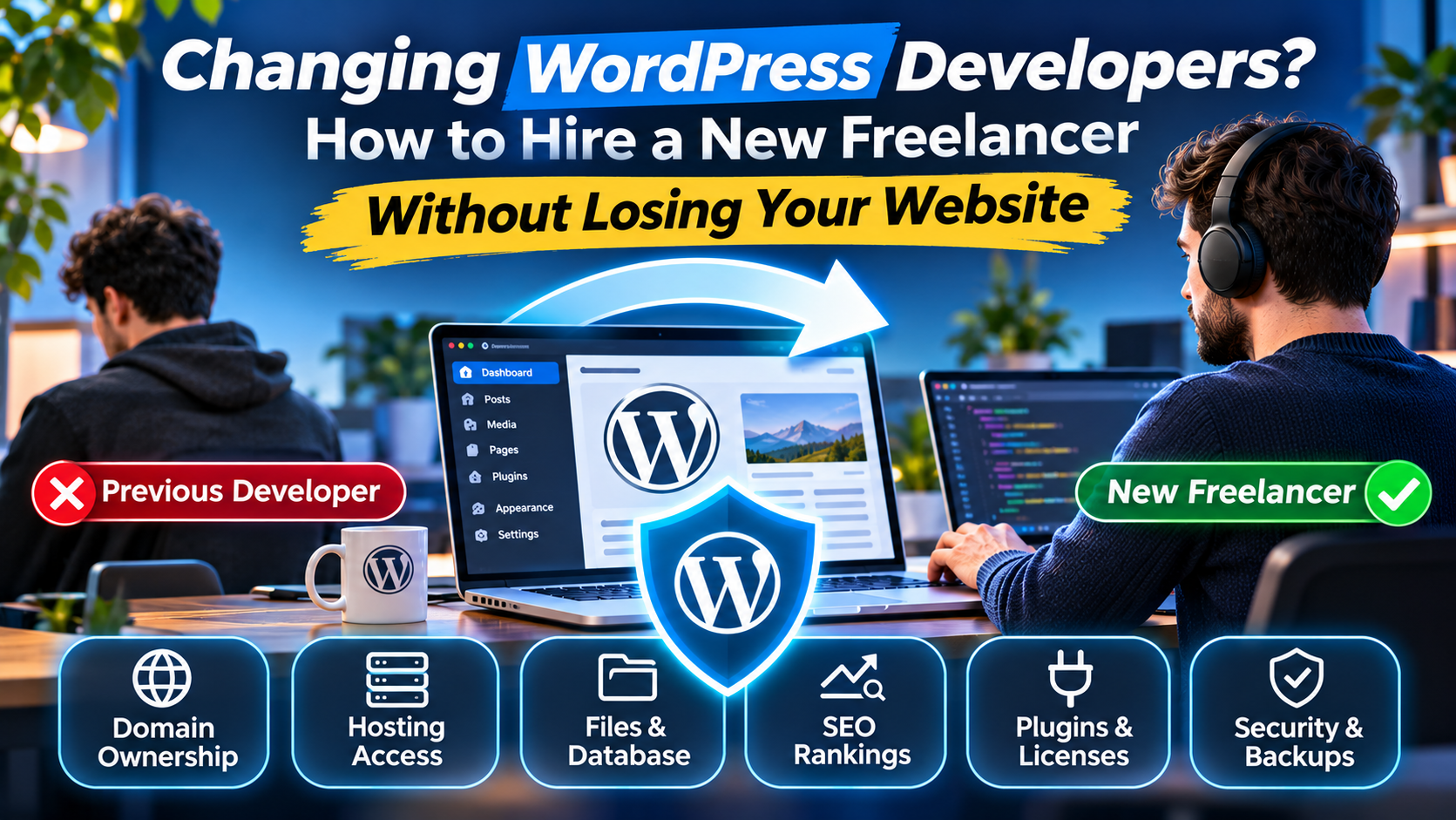
Your WordPress developer stops responding.
You need a small website change, but nobody is available. Your plugins haven't been updated, your contact form occasionally fails, and you're not even sure who owns the hosting account.
You decide it's time to hire someone new.
Then comes a worrying question:
What happens to your website when you change WordPress developers?
Can the previous developer remove your access? Will your Google rankings disappear? What happens to the website files, customer data, premium plugins, and business email accounts?
The good news is that changing WordPress developers does not normally require rebuilding your website.
A properly managed transition can preserve the existing website while transferring responsibility to a new freelancer or agency.
However, there are important steps you should complete before the previous developer's access is removed.
This guide explains how to switch WordPress developers safely, what information to request, how to protect your search visibility, and what to look for when hiring a replacement.
Can You Change WordPress Developers Without Losing Your Website?
Yes. You can generally change WordPress developers without losing your website, content, domain, or SEO visibility.
WordPress is an open-source content management system. Your website is not automatically tied to the individual developer who built it.
However, your ability to maintain or transfer the site depends on several practical factors.
These include who controls the domain name, hosting account, WordPress administrator credentials, database, custom code, and third-party services.
A website might appear to belong entirely to your business while several of its essential accounts remain controlled by the original developer.
For example, imagine your company has operated a WordPress website for three years.
You pay the developer every month, but the domain and hosting were registered using their personal email address.
You may have access to the WordPress dashboard, but that does not necessarily mean you control the infrastructure.
Before changing developers, establish which accounts your business owns and which permissions it currently has.
1. Confirm Who Owns Your Domain Name
Your domain name is one of your most important digital business assets.
If customers visit yourcompany.com, you need to know where that domain is registered and who controls it.
The domain registrar may be different from your hosting provider.
Start by identifying the registrar, the account holder, the registrant details, and the renewal arrangements.
Ask the following questions:
Is the domain registered under a business-controlled account?
Does the business control the recovery email address?
Who pays for renewals?
Who can modify DNS records?
Is domain transfer protection enabled?
If the original developer registered the domain in their own account, discuss transferring control to an account owned by your business.
Do not immediately change nameservers or DNS records unless you understand the existing configuration.
DNS records may also control business email, verification systems, and other essential services.
Changing them carelessly can interrupt more than your website.
Important: You do not necessarily need to transfer your domain to a different registrar when changing WordPress developers. In many cases, securing ownership and access is sufficient.
2. Secure Your WordPress Hosting Account
Your hosting account is where the live website operates.
Depending on the hosting provider, it may contain:
WordPress website files.
Databases and database users.
PHP configurations.
SSL certificate settings.
Backups.
Server logs.
Email-related configurations.
DNS management tools.
Scheduled tasks.
Before changing developers, confirm that your company can access the hosting account directly.
If the website is hosted under the previous developer's agency account, ask whether the hosting provider supports transferring the website to a separate account.
This may be necessary if your business wants independent control over billing and technical access.
However, moving hosting providers introduces additional considerations.
A hosting migration should be treated as a technical project, not simply as a change of password.
Check PHP compatibility, databases, SSL, email services, caching, and any custom server configuration before moving production.
If the existing hosting is suitable, changing developers does not automatically mean you need to migrate the website.
3. Create a Complete WordPress Backup Before Changing Anything
One of the most important steps is obtaining a reliable backup.
A WordPress website normally consists of both website files and a database.
The files include themes, plugins, uploaded images, and custom development.
The database stores website content, settings, user information, and other application data.
According to the official WordPress backup documentation, both components are required to fully restore a typical WordPress website.
That means downloading only the theme folder is not enough.
Similarly, using the WordPress dashboard's content export feature does not necessarily create a complete recoverable website backup.
A proper handover should include a usable backup that can be restored independently.
What Should Your Backup Contain?
For most WordPress websites, the backup should cover:
WordPress core and configuration files.
Active and inactive themes.
Plugins and custom extensions.
Media uploads.
The complete relevant database.
Custom application files.
Important configuration and deployment information.
Also document services that a website backup does not automatically preserve, such as external email, payment gateway accounts, DNS configuration, and third-party integrations.
Store the backup somewhere controlled by your business.
Ideally, verify recovery in a separate environment before making major changes.
For WooCommerce stores, remember that orders and customer activity may continue after the backup is created. A restoration plan must account for newer transactions.
4. Create Your Own WordPress Administrator Account
A common mistake is relying on one shared administrator login.
For example, a business owner and developer might both use an account named admin.
This makes it harder to determine who changed something and creates problems when access needs to be revoked.
Instead, create a separate administrator account controlled by the business.
Use a unique password and enable multi-factor authentication where supported.
Then create individual accounts for developers according to the permissions they actually need.
The official WordPress roles and capabilities documentation explains the different permission levels.
An Administrator can manage a single site's settings, plugins, themes, and users, while an Editor has more limited content-management permissions.
Before removing the previous developer's administrator access, verify that your business-controlled administrator account works.
Do not remove the only working administrator account.
If the website uses WordPress Multisite, account permissions may differ and require Super Admin involvement.
5. Review Premium Plugin and Theme Licenses
Your website might rely on commercial tools such as:
Elementor Pro, premium page builders, advanced form plugins, translation systems, booking tools, or paid WooCommerce extensions.
Some licenses may belong to the previous developer or agency.
Others may have been purchased directly by your company.
This distinction matters because a plugin may continue functioning even after the license that provides updates or support expires.
During the handover, document the active premium products, license holders, renewal dates, and whether ownership or billing can be transferred.
If the previous agency owns a nontransferable license, your company may need to purchase its own.
Do not assume that purchasing a new license requires rebuilding the website.
In many situations, the new developer can update the licensing arrangements while preserving the existing functionality.
However, compatibility and vendor restrictions should be reviewed first.
6. Protect Your Google Rankings When Switching Developers
A change of developer does not automatically cause an SEO ranking drop.
Google does not rank a website based on the identity of its developer.
The real risk comes from technical changes made during the transition.
For example, a new developer might accidentally alter important URLs, remove existing page content, introduce incorrect canonical tags, or leave the website marked as noindex.
These mistakes can affect how search engines discover and understand your pages.
Before making changes, the new developer should document the existing website structure and technical SEO configuration.
Preserve Important URLs
If your website has a service page at /roof-repair, do not change it to a new address without a reason and a plan.
Existing URLs may have search visibility, internal links, and external backlinks.
If a URL must change, implement an appropriate redirect to the relevant new destination.
Google's official site migration documentation recommends planning URL mappings and using permanent server-side redirects where appropriate.
Verify Canonical URLs
Canonical tags help search engines understand which version of a page is preferred.
An incorrect canonical can point Google toward an unintended URL.
This becomes especially important when migrating a website from staging to production or changing URL structures.
Check Search Console Access
Make sure your business controls its Google Search Console property.
Review who has ownership and user access.
Google recommends granting only the permissions people need and removing unnecessary access when responsibilities change.
The official Google Search Console ownership guidance also explains why unused ownership verification tokens matter.
Preserve Existing Content
Avoid removing valuable indexed content without understanding its purpose.
A new developer may recommend a cleaner design, but that does not automatically justify deleting pages that already attract relevant visitors.
Use actual Search Console data, website analytics, and business requirements to guide decisions.
Changing your developer should not become an uncontrolled website redesign.
7. Don't Forget Google Analytics, Forms, and Business Email
Website ownership involves more than WordPress.
A website may depend on external systems that collect inquiries, track conversions, or deliver communications.
During a developer transition, check access to Google Analytics, Google Tag Manager, Google Search Console, and any other measurement platforms the website uses.
Also review where contact form submissions are delivered.
For example, a form may depend on a third-party email service configured using the previous developer's account.
The website might appear functional while important email notifications are not being delivered.
If the developer originally configured SMTP services, API integrations, or external automation tools, request documentation for those systems.
For business email, review the existing email provider and DNS records before making hosting changes.
Mail services should be tested after any migration.
This matters particularly for businesses relying on website inquiries to generate revenue.
8. Give the New Freelance Developer Access Safely
Once your accounts and backups are secured, the new developer needs appropriate access.
Do not simply email every password in one message.
A safer process involves creating individual accounts, providing only necessary permissions, and using secure methods to share credentials when required.
For WordPress, a separate administrator account may be necessary for development tasks.
For hosting, consider whether the provider supports delegated access instead of sharing the primary account.
For source code, grant the appropriate repository permissions.
Document who has access and why.
After the transition, rotate any credentials previously shared with the outgoing developer, including relevant API keys, database credentials, SSH keys, and service tokens.
Coordinate changes carefully to avoid interrupting production systems.
The new developer should also understand the existing codebase before making significant changes.
9. What Should a New Freelance WordPress Developer Check First?
When hiring a replacement, the first task should often be a technical review rather than a redesign.
The exact scope depends on the website, but a useful initial review can cover several areas.
Website Health
Check WordPress, PHP, plugin, and theme versions.
Identify existing errors, outdated components, and compatibility issues.
The goal is to understand the current environment before changing it.
Website Performance
Measure loading behavior and investigate obvious bottlenecks.
This may involve caching, images, plugins, server configuration, or inefficient code.
A performance review should identify causes rather than recommend random optimization tools.
Security and Access
Review privileged accounts, update practices, recovery procedures, and the handling of sensitive credentials.
For a business website, security also depends on hosting and third-party services.
Backups and Recovery
Check whether backups exist, whether they cover the required files and data, and how recovery would work.
A backup system that nobody can restore is not a complete recovery strategy.
SEO and Tracking
Confirm that important pages remain crawlable and indexable.
Check redirects, canonical URLs, sitemaps, analytics, and conversion tracking where relevant.
Business Functionality
Finally, test what actually matters to customers.
For a construction company, that may mean service pages, mobile navigation, contact forms, and click-to-call links.
For an online store, it may mean the cart, checkout, payments, and order processing.
A good handover review connects technical health with business functionality.
10. How Much Does It Cost to Hire a New WordPress Developer?
The price depends on what your website needs.
If you already have a functioning website and simply want a reliable developer to maintain it, the scope may be relatively small.
If your previous developer left undocumented custom code, broken integrations, or serious configuration problems, the initial investigation may be more involved.
Typical arrangements include a one-time technical audit, a defined repair project, or monthly website maintenance.
A larger redesign or custom development project should generally be scoped separately.
As an independent freelancer based in Albania, I provide WordPress development, technical troubleshooting, website maintenance, and custom web development for international businesses.
My published service packages include monthly website care starting from $175, with broader development projects quoted according to their requirements.
You can review the available options on my web development and maintenance packages page.
Before accepting a quote, ask what the developer will inspect, what changes are included, and what the final deliverables will be.
11. What if Your Previous WordPress Developer Won't Give You Access?
This can be a particularly difficult situation.
You may own the business and pay for the website, but still lack direct access to the necessary accounts.
Start by reviewing your original development contract, invoices, and any documented ownership arrangements.
Identify whether the domain, hosting, and licenses were registered under your company's details or the previous developer's.
Contact the relevant service providers through their official account-recovery or ownership-dispute processes.
Depending on the circumstances, they may require verification of account ownership or billing history.
Avoid attempting to bypass accounts or access systems without authorization.
If ownership is disputed, professional legal advice may be necessary.
A new developer can help identify the technical dependencies and explain which systems require access, but technical work cannot automatically resolve a contractual ownership dispute.
12. How to Know You've Chosen the Right Replacement Freelancer
Before hiring a new developer, look beyond price.
Review relevant work, technical skills, communication, and willingness to document changes.
A suitable WordPress freelancer should be comfortable investigating existing websites rather than insisting that every project needs to be rebuilt.
Ask how they approach updates, backups, staging, compatibility testing, and production deployments.
If your website uses WooCommerce, ensure they understand the risks of overwriting live order data.
If the website generates organic traffic, ask how they preserve URL structures and technical SEO during redesigns.
If your company has ongoing requirements, clarify whether monthly support is available.
The right freelancer should help you understand the next steps and their associated risks before requesting major changes.
Frequently Asked Questions About Changing WordPress Developers
Can I Change WordPress Developers Without Changing Hosting?
Yes. If the existing hosting environment is suitable and your business controls the account, the new developer can often work with the same provider.
Changing hosting is a separate decision.
Will I Lose My WordPress Website if I Remove the Old Developer?
Not normally. Removing a developer's account does not automatically delete the website.
However, verify business ownership, administrator access, hosting access, and backups before removing anyone.
Can a New Freelancer Work With My Existing Elementor Website?
Yes. A developer familiar with Elementor can generally work on an existing Elementor installation.
They should check plugin versions, custom templates, dependencies, and premium licenses before making major changes.
Will Switching WordPress Developers Affect SEO?
Simply changing developers does not inherently affect rankings.
Technical changes to content, URLs, redirects, canonical tags, or indexing settings can affect search visibility.
That's why a structured handover is important.
Do I Need to Rebuild My Website?
Not necessarily.
A rebuild should be recommended based on actual requirements and technical conditions, not merely because a different developer is taking over.
In many cases, maintaining and improving the existing website is more practical.
Final Thoughts: Your Website Shouldn't Depend on One Developer
Your business website is an important digital asset.
It should not become unusable simply because a freelancer becomes unavailable or your relationship with an agency changes.
A responsible transition protects your domain, hosting, files, database, licenses, analytics, and business functionality.
It also gives the new developer enough information to maintain the website without unnecessary disruption.
The goal is not just to replace your developer. It's to make sure your business retains control of its website.
Need a New Freelance WordPress Developer?
I'm Amarildo Prendi, an independent web developer based in Albania, working remotely with businesses and agencies internationally.
I work with WordPress, WooCommerce, PHP, JavaScript, website maintenance, technical troubleshooting, and performance optimization.
If you're changing developers, I can review your existing WordPress setup, identify technical problems, and help plan the transition.
Whether you need a one-time website repair, a technical review, or ongoing development support, the first step is understanding your current website and requirements.
Explore my WordPress development services, review my portfolio, or contact me through AmarildoPrendi.com to discuss your project.