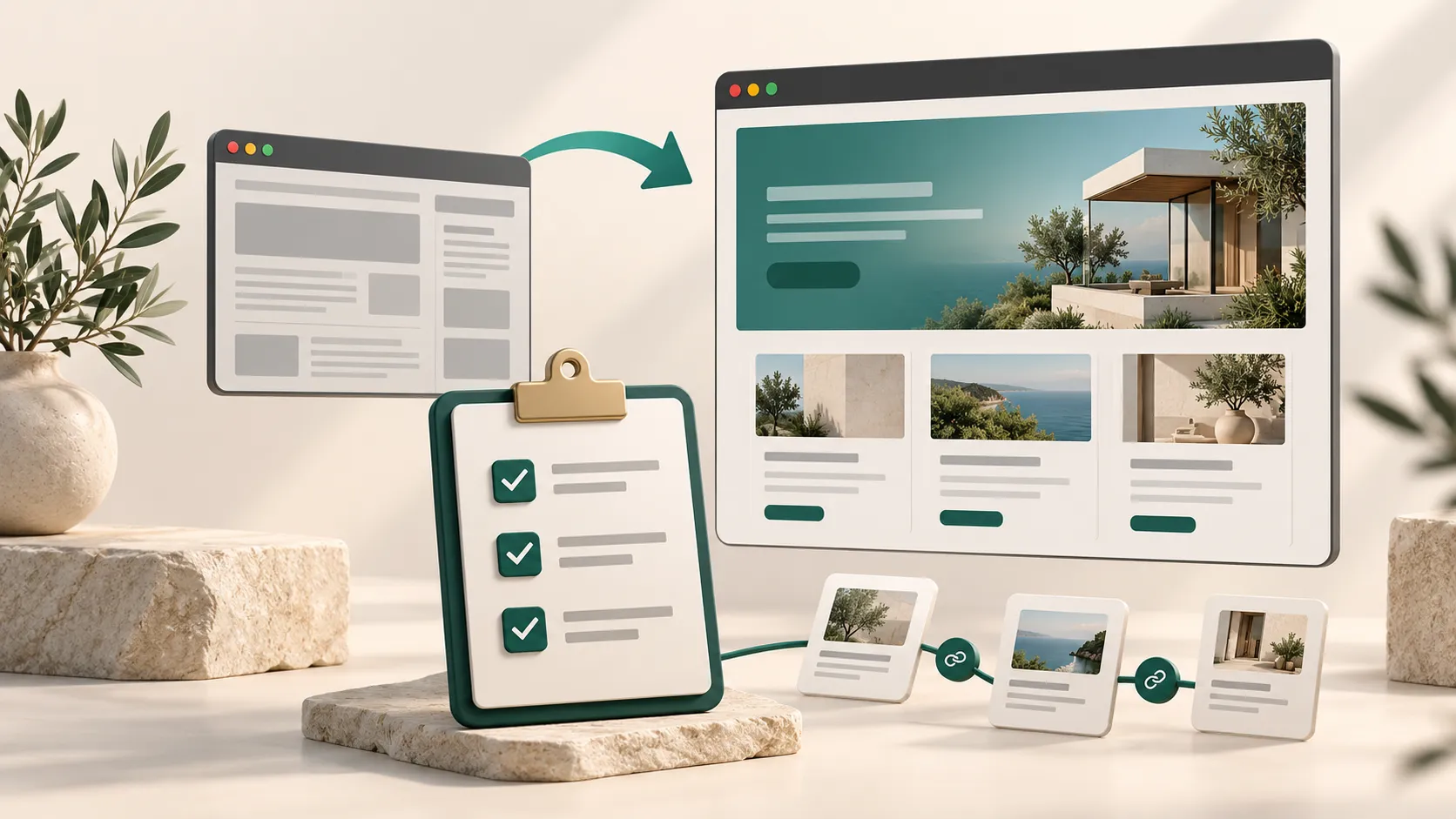
A WordPress redesign SEO checklist helps you carry useful content, working URLs and search settings into your new website. Start by recording what the current site does well. Keep existing page addresses where practical, map any necessary changes and test the finished site before launch.
A fresh design can make a business easier to understand. It can also introduce problems that a homepage preview will never reveal. A service page might disappear from the menu. An old link might lead to the wrong destination. A contact form might look correct while failing to deliver inquiries.
The aim is to improve the website while managing those risks. This guide explains what business owners and development teams should agree on before building, what to test and how to review the result after launch. No checklist can guarantee unchanged rankings, but a careful process can catch avoidable mistakes.
Define what the redesign needs to improve
Begin with the business problem. Perhaps customers cannot find the right service, the mobile menu is awkward or staff struggle to edit basic content. Write down those issues before choosing a theme or approving a visual direction.
Make each goal concrete enough to check. “Improve the website” is difficult to assess. “Help visitors reach the correct service page and send an inquiry from a phone” gives the team a useful test. You can review the menu, page wording, button placement and form against that goal.
Also decide which changes belong in this project. A visual refresh does not always require new URLs, a different hosting provider and a complete content rewrite. Separating necessary work from optional changes makes the launch easier to manage. If several systems must change together, record the dependencies and assign an owner to each one.
Record the current site before replacing it
Create a page inventory that includes more than the navigation menu. Include service pages, blog posts, landing pages, downloads and other public content that people can reach through links. Compare the inventory with analytics and Search Console data where available.
For each important page, note its purpose, current address and proposed action. Will you keep it, improve it, combine it with another page or remove it? Add a reason for the decision. A page with little traffic may still serve existing customers or support a specific sales conversation.
Save a baseline of search clicks, impressions, landing-page visits and meaningful inquiries. Record the date range and any known tracking gaps. Later, this gives you a fairer comparison than a vague memory that the old site “seemed busier.”
Keep copies of current page content and screenshots of important templates. These are useful when someone asks whether a service detail, form field or disclaimer existed before the redesign.
Keep useful URLs and map necessary changes
Changing a page's appearance does not require changing its address. If a URL is clear and still matches the page's purpose, keeping it can reduce migration work. Where a move is necessary, decide the destination before development reaches the final stage.
Google's site migration guidance recommends mapping old URLs to their new equivalents and warns that visibility can fluctuate while Google processes changes. Avoid promising that a redesign will preserve every search position.
Consider a fictional plumbing business. Its existing boiler repair page still describes the same service after the redesign. Keeping that address is a reasonable choice. If two overlapping repair pages become one stronger page, document both old addresses and the combined destination. If a service ends completely, first decide whether any replacement actually serves the same visitor need.
This mapping is a content decision as well as a technical one. The person who understands the services should approve it alongside the developer. Otherwise, a technically working redirect may still take customers somewhere confusing.
Test redirects against the intended destination
A redirect passes visitors from an old address to another location. Google's redirect documentation explains permanent redirects, including HTTP 301 and 308 responses, for content that has moved permanently.
Test each changed URL, not just the homepage. Confirm that the old address reaches the intended final page, that the destination loads successfully and that the content matches the old page's purpose. Avoid unnecessary chains where one redirect leads to another before reaching the destination.
Do not send every removed page to the homepage. Google cautions against irrelevant redirects in its migration guidance. Where content has no suitable replacement, an appropriate 404 or 410 response may be the correct outcome.
For the team, a useful review record contains three things: the old address, the expected destination and the observed result. A simple pass or fail is much easier to act on when the intended behavior is written beside it.
Back up the site and agree on recovery
Before making major changes, create a backup and confirm how to restore it. WordPress's backup documentation explains that a complete backup involves both website files and the database. Saving only one part may leave you without what you need to recover the whole site.
A backup is most useful when the team knows where it lives, who can access it and how restoration works. Test the process in a suitable nonproduction environment where practical. Do not make launch day the first time someone looks for the restore controls.
Agree on what would trigger a rollback. A minor spacing problem can usually wait for a fix. A broken checkout or widespread page failure may justify restoring the previous version. Assign someone to make that decision.
For sites receiving orders or inquiries, consider new data created after the backup. Restoring an older database could remove those recent records. The recovery plan needs to account for that risk before launch.
Protect staging and review live indexing settings
Build and test the redesign on a separate staging site where possible. Protect access to confidential or unfinished material rather than relying on a search setting as a security control.
Google's robots.txt guidance distinguishes crawling restrictions from indexing controls. Blocking a URL in robots.txt does not reliably keep the URL out of search results. Its noindex documentation also explains that Google must be able to crawl a page to see a noindex rule.
At launch, check the production site's actual output. Pages intended for public search should not accidentally carry staging noindex directives or restrictive access settings. Review both page markup and relevant HTTP headers instead of assuming that one visible dashboard setting tells the whole story.
Treat staging and production as separate configurations. Keep a short note of which settings must differ, and assign someone to verify them after deployment.
Preserve the information that helps customers decide
A cleaner design should still answer the reader's questions. During a redesign, useful details can disappear because they do not fit the new layout. Review the content before approving those cuts.
For a service business, readers may need to know what the service includes, who it is for, which areas the company covers and what happens after an inquiry. Removing those answers can leave an attractive page that requires more effort to understand.
Read the old and new pages side by side. Check whether the new version explains the same offer clearly and whether any factual claims have changed. Improve weak wording, remove repetition and update outdated details, but give each deletion a reason.
Ask someone outside the project to review a priority page. Can they explain what the business offers and what they should do next? That small exercise can reveal gaps that the design team overlooks because everyone already knows the business.
Check canonical URLs, links and the sitemap
A canonical tag identifies a preferred URL among duplicate or very similar pages. Google's canonical guidance explains how these signals work. After a redesign, confirm that canonical tags point to the intended live addresses rather than a staging domain or an outdated path.
Update navigation links and links within page content to use the final destinations. Do not deliberately leave internal links pointing at old addresses just because redirects exist. Review buttons, image links, footer links and downloadable resources as part of the same pass.
Check that the XML sitemap contains the preferred public URLs you want discovered. Google's sitemap guidance makes clear that sitemap submission does not guarantee crawling or indexing. It supports discovery; it does not repair missing content or conflicting settings.
If the current site already has indexing problems, review them before carrying the same setup into a new design. My guide to fixing technical SEO problems before publishing more content explains why that foundation matters.
Test complete customer journeys on mobile
Choose a few realistic tasks and follow them from beginning to end. Find a service, read the page, open the contact form and submit a test inquiry. Then confirm that the message reaches the intended destination and includes the information the team needs.
Test error states as well as successful submissions. What happens when someone misses a required field or enters an invalid email address? Can they correct the problem without losing everything they typed? Check that the confirmation message clearly explains the next step.
Repeat the journey on a phone. Look for menus that cover content, buttons that are difficult to tap, forms that extend beyond the screen and images that make text hard to read. Review more than one page template because the homepage may behave differently from a blog post or service page.
If you track inquiries, verify the intended event during testing and ensure it does not fire simply because someone opened the form. A redesign should leave the business able to tell whether its key actions still work.
Review performance before approving the launch
Compare representative old and new pages with the same testing approach. Include a service page, a content-heavy page and any important conversion page. Check the mobile experience as well as desktop.
Use PageSpeed Insights to help identify loading and usability issues. Its documentation distinguishes controlled lab testing from real-user data where available. Use the findings to investigate specific problems rather than treating one score as the entire launch decision.
Watch for large hero images, unnecessary animations and third-party tools added during the redesign. Ask what each feature contributes to the visitor's task. If a visual effect makes a service page harder to use, it deserves another review regardless of how it looked in the mockup.
Assign a launch owner and monitor the result
Set a launch window when the people responsible for development, hosting and content can respond. Agree on who checks redirects, who tests forms and who makes the final decision to proceed. Record any remaining issues instead of relying on informal messages.
Immediately after launch, repeat the most important live checks. Open priority URLs, follow old links and submit a test inquiry. Confirm that you are testing the public site rather than a logged-in preview or a cached staging page.
Over the following weeks, compare search and business results with the baseline. Investigate changes page by page. A decline in reported visits might involve measurement, seasonality, missing content or technical faults; the number alone does not identify the cause.
Keep a dated change log while resolving problems. Avoid making several unrelated changes at once without recording them, because that makes the results harder to understand.
If you are planning a redesign, my WordPress development service covers planning, implementation and testing. You can also explore technical SEO and website performance support. Tell me about your website, what you want to improve and what must keep working through the launch.