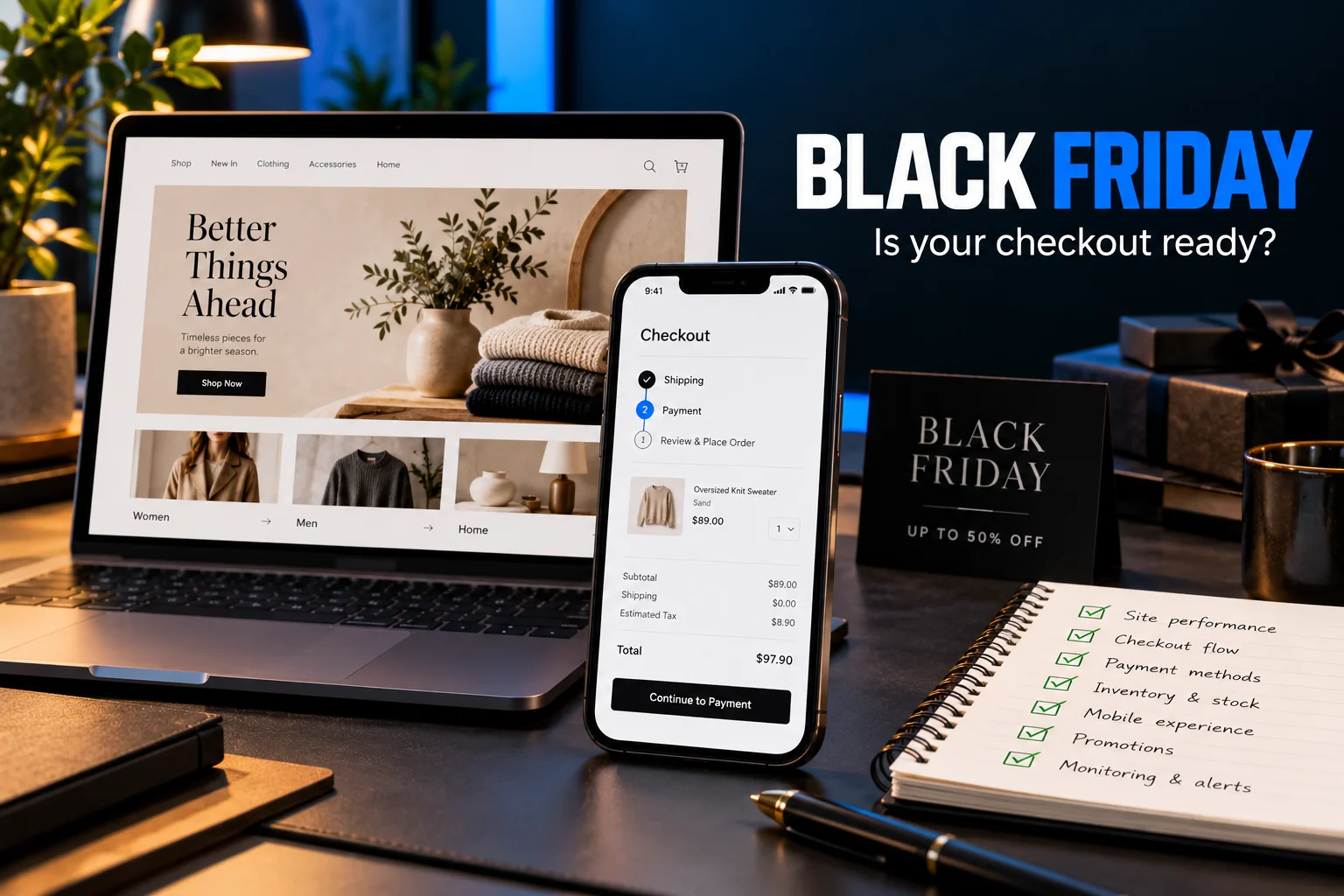
A Black Friday website checklist should start with one simple task. Open your store on a phone and try to buy something as a customer.
Follow the same route your campaign will send people through. Open the landing page, choose a product, select an option, apply the discount and complete checkout. Then check whether the order appears correctly and the confirmation email arrives.
A homepage can look perfect while a delivery rule blocks an order. A discount banner can promise an offer that the cart refuses to apply. A payment can succeed while the customer sees an error.
Finding those problems before launching a campaign gives you time to fix them. This guide explains how to test the buying journey, record useful evidence and decide which repairs deserve attention first.
Start from the link customers will actually open
Do not begin every test from your homepage. Start with the exact destination used in your advert, email or social post.
A campaign might send visitors to a collection, a product or a dedicated offer page. Each route needs checking. Confirm that the page opens correctly and presents the same offer as the message that brought the visitor there.
If the advert promotes a discount on selected products, readers should quickly understand which products qualify. If the offer requires a minimum order, explain that condition before checkout.
Check what happens after someone taps the main button. Does it open the correct product? Does it preserve the selected option? Does it send the customer somewhere unexpected?
Write down the starting URL and the intended next step. This turns a vague instruction to “check the website” into a repeatable test.
Use a phone without your administrator account
Your working environment can hide problems customers face. You may already have accepted a cookie notice, saved an address or logged into an account.
Open a private browsing window on a phone. Stay logged out of the store administration area. Use a normal mobile connection for at least one test.
Check whether menus, cookie controls and promotional popups leave enough room to shop. Make sure a floating chat button does not cover the checkout button or an important form field.
Try choosing a size, changing quantity and removing an item. Rotate the phone if a layout looks awkward. Where practical, repeat the main journey in another browser.
This is a functional test. You are checking whether someone can complete a task comfortably, rather than deciding whether the page looks attractive in a screenshot.
Check the discount rules before promoting the discount
Discounts can involve more conditions than the banner suggests. They may depend on product eligibility, customer status, order value or another active promotion.
Test an eligible product and an excluded product. Check a basket just below the minimum spend and another that meets it. If customers can combine offers, test the combinations you intend to support.
Remove an item after applying the discount. Does the cart recalculate correctly when the basket no longer qualifies?
Review the message shown when a code fails. “Invalid coupon” provides little help when the actual problem is an unmet minimum order.
A clearer message explains the condition and gives the customer a useful next step. Keep that explanation consistent with the campaign copy.
Also check the promotion’s start time, end time and configured time zone. A correct discount scheduled incorrectly can still disrupt a launch.
Reveal delivery costs before the final commitment
Unexpected charges create uncertainty at the point when customers are deciding whether to pay.
Make delivery information easy to find before checkout. Explain any minimum spend for free shipping and whether location or product type changes the cost.
Test addresses within your normal delivery area. If you serve several regions, check representative addresses from each. Confirm that an unsupported address receives a clear explanation.
For physical products, review estimated dispatch and delivery wording. Avoid presenting a dispatch estimate as a guaranteed arrival date.
Check the final order total against the product price, discount, delivery charge and applicable tax settings. Ask the person responsible for your store’s tax configuration to verify those rules where necessary.
The customer should understand what they are buying and what they will pay before submitting the order.
Test payment success and payment failure
A payment button appearing on the screen does not prove the payment flow works.
Use your payment provider’s supported testing environment to check successful payments, declined payments and any additional authentication steps. Follow the provider’s instructions for test credentials and test cards.
A failed attempt should leave the customer with a clear explanation and a way to continue. Check whether the basket survives and whether the customer can choose another supported payment method.
Where appropriate, arrange an authorised low-value live purchase to confirm the production journey. Test mode alone cannot establish that every live setting is correct. Consider any transaction and refund fees before doing this.
After payment, compare the customer’s confirmation with the store’s order record and the provider’s payment status. Investigate mismatches before sending more traffic.
Keep sensitive payment details out of screenshots, support tickets and testing notes.
Make checkout forms easier to complete
Forms deserve their own review because small obstacles can interrupt an otherwise clear buying journey.
Google’s web.dev guide to payment and address forms recommends practical measures such as visible labels, appropriate autocomplete attributes and asking only for necessary information.
Check that customers can identify every field after they start typing. Placeholder text disappears, so it should not be the only explanation of what a field requires.
Test names and addresses relevant to your customers. Avoid assumptions that every person has the same address structure or uses only English letters.
If the business supports guest checkout, make that route easy to find. Explain optional account creation without making it appear compulsory.
Finally, submit the form with a missing or incorrect field. The page should identify the problem clearly and preserve the information the customer has already entered.
Check the pages that matter for speed
Testing only the homepage leaves important gaps. Your product pages, collection pages and checkout may load different images, scripts and integrations.
Review the pages used in the campaign. Pay attention to what shoppers experience while selecting products and interacting with the basket.
Google’s Core Web Vitals guidance covers loading performance, responsiveness and visual stability. These provide useful ways to investigate a page that feels slow or unstable.
However, a performance score cannot confirm that an order works. Use performance measurements alongside the buying tests.
Look for large promotional images, unnecessary scripts and elements that move while customers try to tap them. Record the affected page and action before making changes.
After a repair, repeat the original journey. A faster page still needs working product options, a reliable cart and a usable checkout.
Treat extra traffic as a separate technical question
A store working for one tester does not establish how it will behave during a traffic increase.
Discuss expected campaign activity with your hosting provider or technical team. Review available capacity, monitoring and any limits affecting the application.
For dynamic stores, pay particular attention to how caching handles baskets, accounts and checkout. Confirm that personalised information stays associated with the correct customer.
If load testing is needed, arrange it with the people responsible for the infrastructure. Agree on scope and limits before running tests.
Prepare a response plan as well. Decide who can investigate errors, pause a campaign or restore a failed deployment. Make sure those people have the access they need.
Follow the order beyond the confirmation screen
The buying journey continues after payment.
Confirm that the order reaches the correct system with the right products, options, delivery details and payment status. Check that stock changes as intended.
Review the customer’s confirmation email on mobile. It should clearly explain the order and what happens next.
Also verify that the team responsible for fulfilment receives the information it needs. A customer-facing success message does not prove that an internal notification or integration worked.
If a connection fails, establish how the team will detect missing orders and recover them. Record the process before a busy period makes investigation harder.
Separate sales problems from measurement problems
Your store may record genuine orders while analytics misses them. Analytics may also show duplicated purchase events.
Compare a controlled test order across the store administration area, payment provider and analytics system, accounting for processing delays and consent choices.
Check whether the order identifier and value match where those fields are available. Refresh the confirmation page and investigate whether that creates another purchase event.
Use backend order and payment records when reconciling actual transactions. Analytics helps explain behaviour, but its configuration needs verification.
For a broader discussion of conversion diagnosis, explore the available website development and analytics services.
Fix blocking problems before cosmetic changes
Record each issue with the starting URL, device, steps taken, expected result and actual result. Add a screenshot when it helps explain the failure.
Prioritise problems that stop purchases, create incorrect totals or leave payment status unclear. Then address major usability obstacles and performance issues. Minor visual changes can follow.
Retest every repair using the same steps that revealed the problem. Check nearby behaviour too. A discount fix may affect other basket combinations.
Avoid introducing a large set of untested changes immediately before the campaign. Keep a known working version and a recovery plan.
The most useful final check is another complete purchase journey from the campaign link through to the order record. That gives your team evidence of what worked and a clear record of anything still unresolved.
Get help checking your store before the campaign
If you need help reviewing your buying journey, contact Amarildo Prendi with your store URL, platform and planned campaign. Explain any problems you have already noticed so we can discuss a focused review of checkout, performance and order handling.